0
0

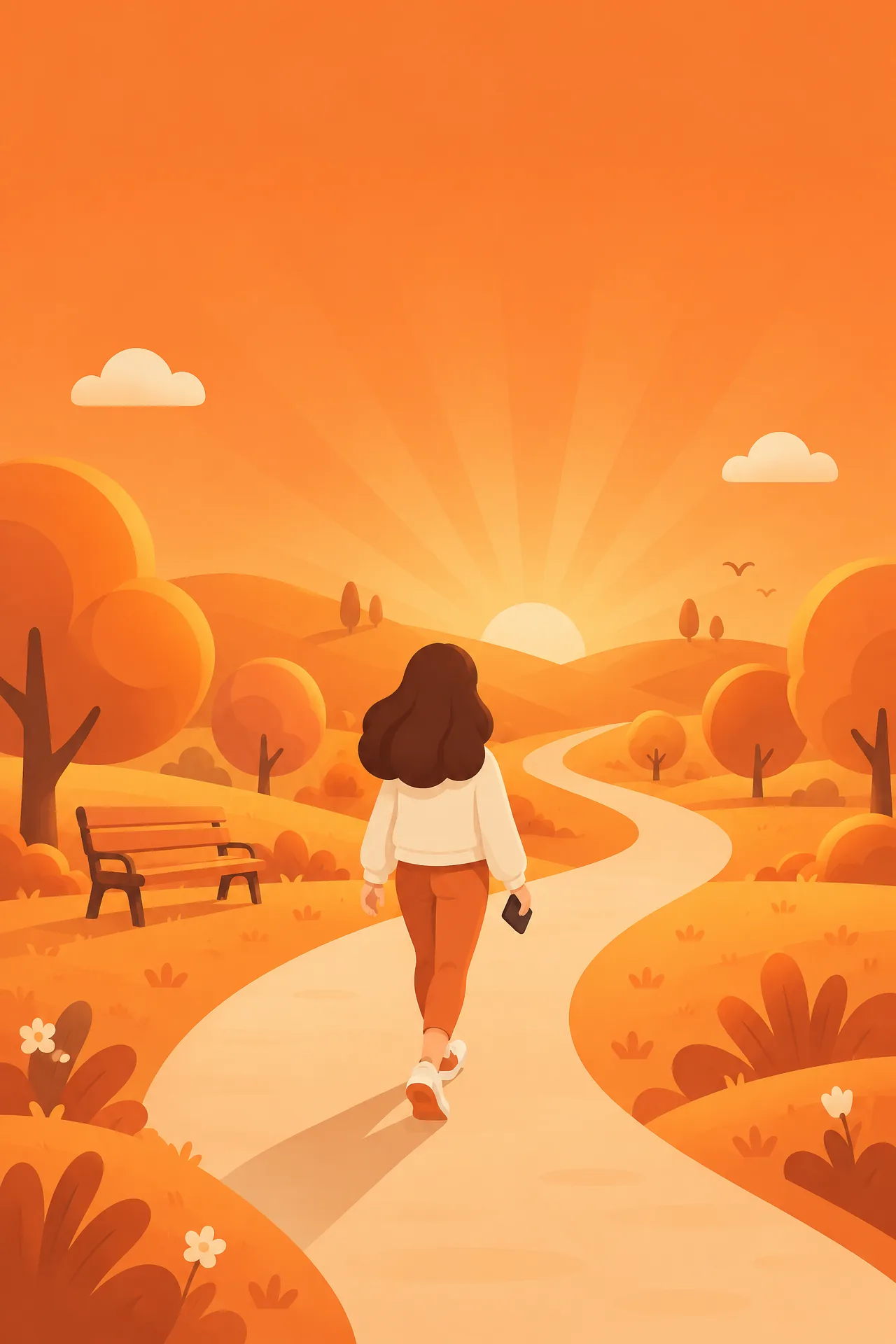
Walk to scroll.
Your feed only works while you're walking. Suddenly a 20-minute walk sounds great.

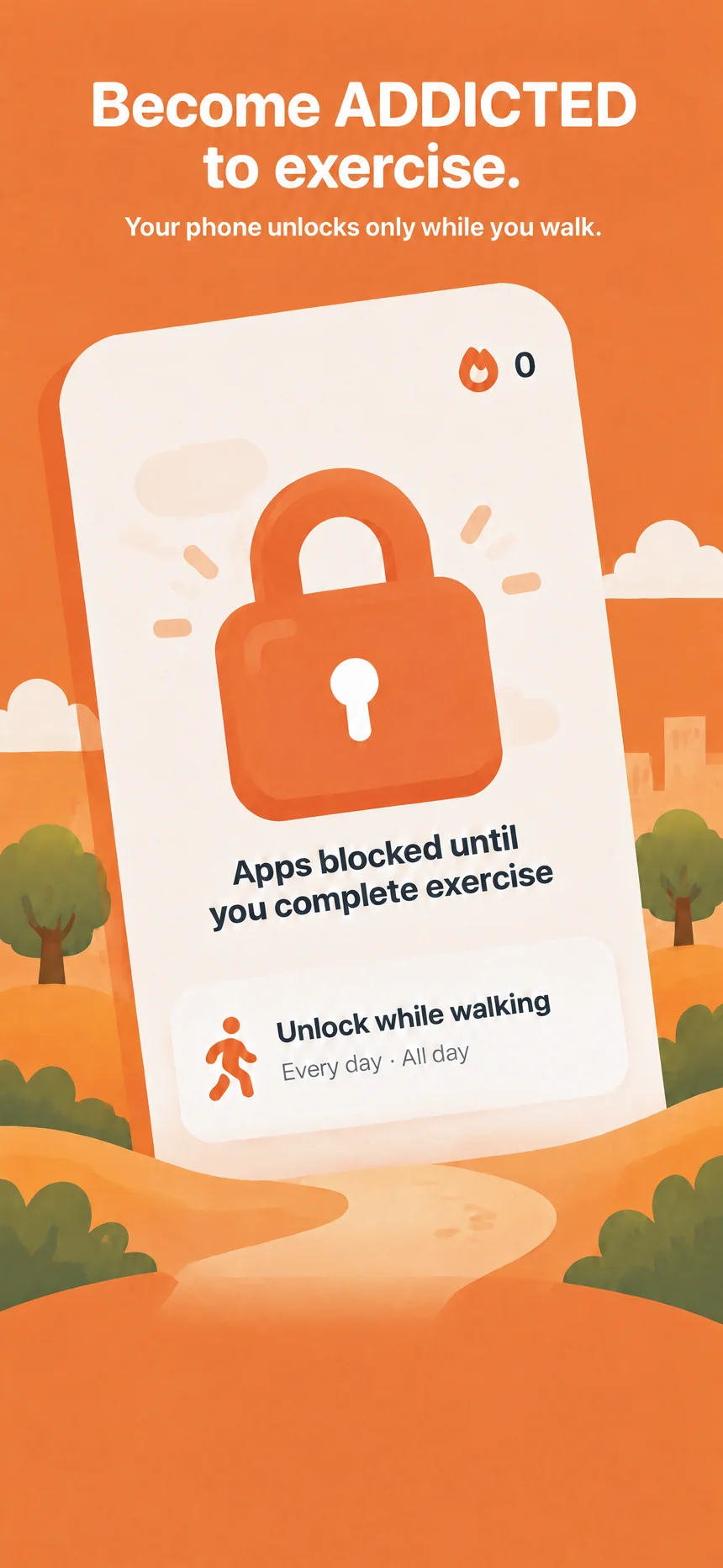
ExcerLock locks the apps you choose. They only open after you complete an exercise condition.
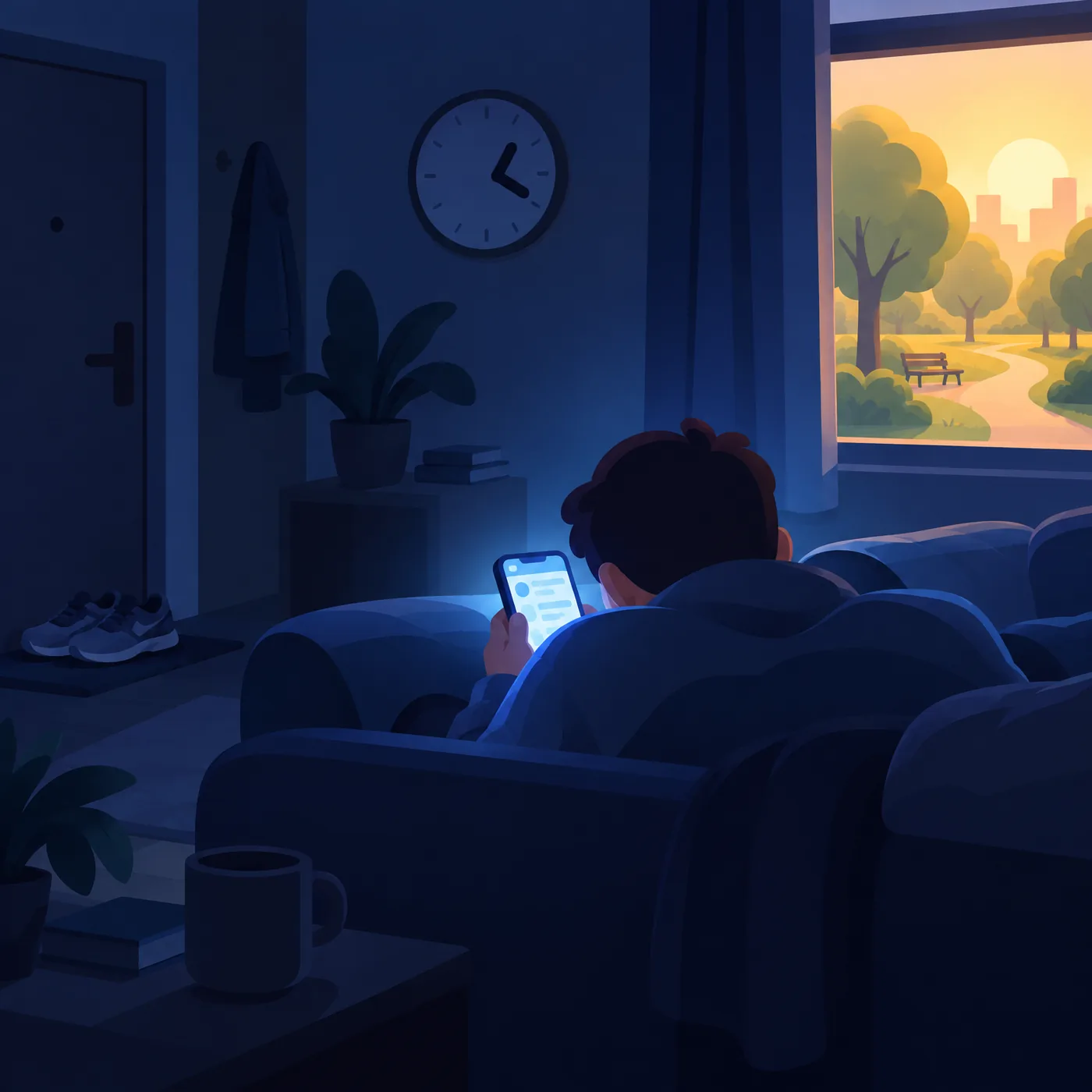
Sound familiar?
Let’s use your addiction to fuel exercise instead.
New rule: you can only scroll while walking.
How it works
Three steps. Then it runs itself.
TikTok, Instagram, YouTube, games. Whatever eats your day. ExcerLock uses Apple's own Screen Time picker, so it never even sees your list.
They stay locked until you move.
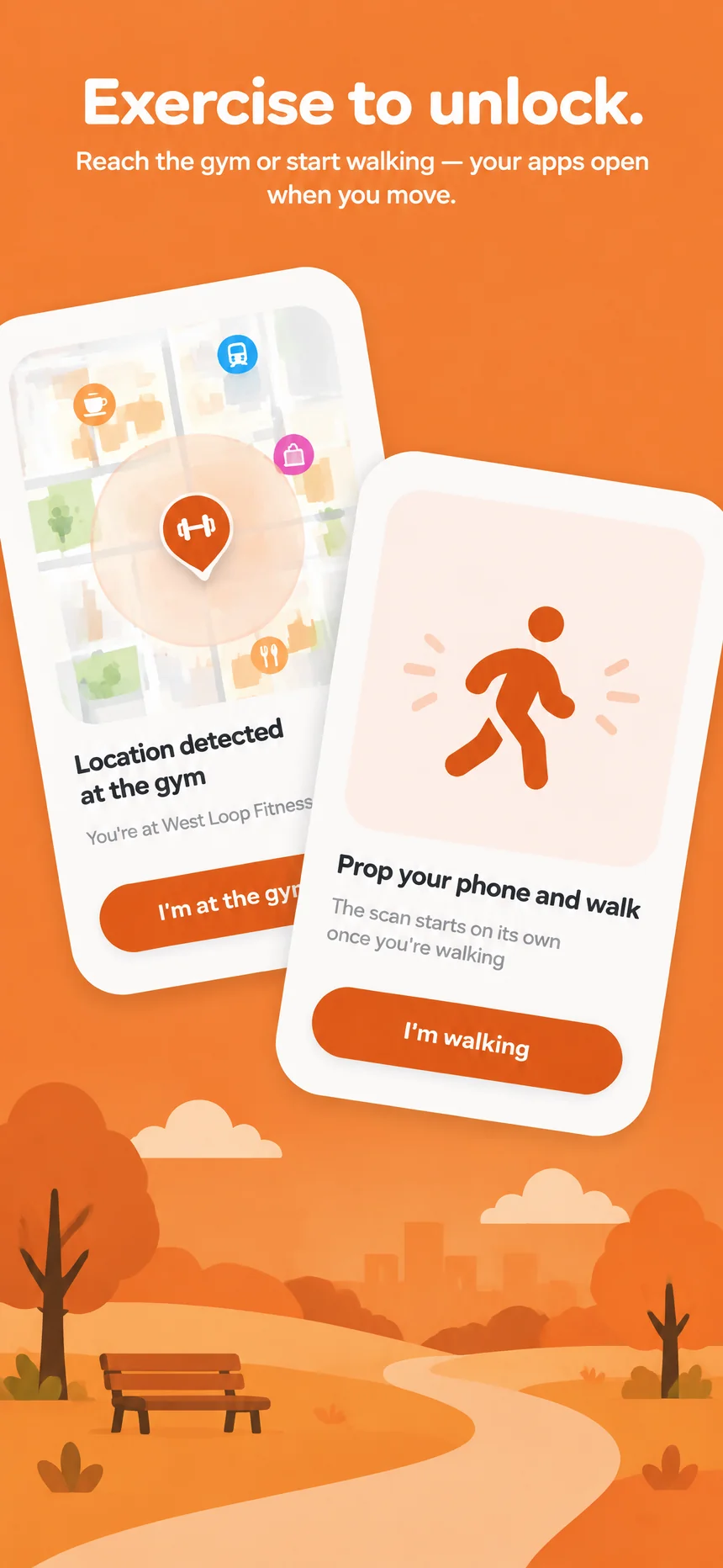
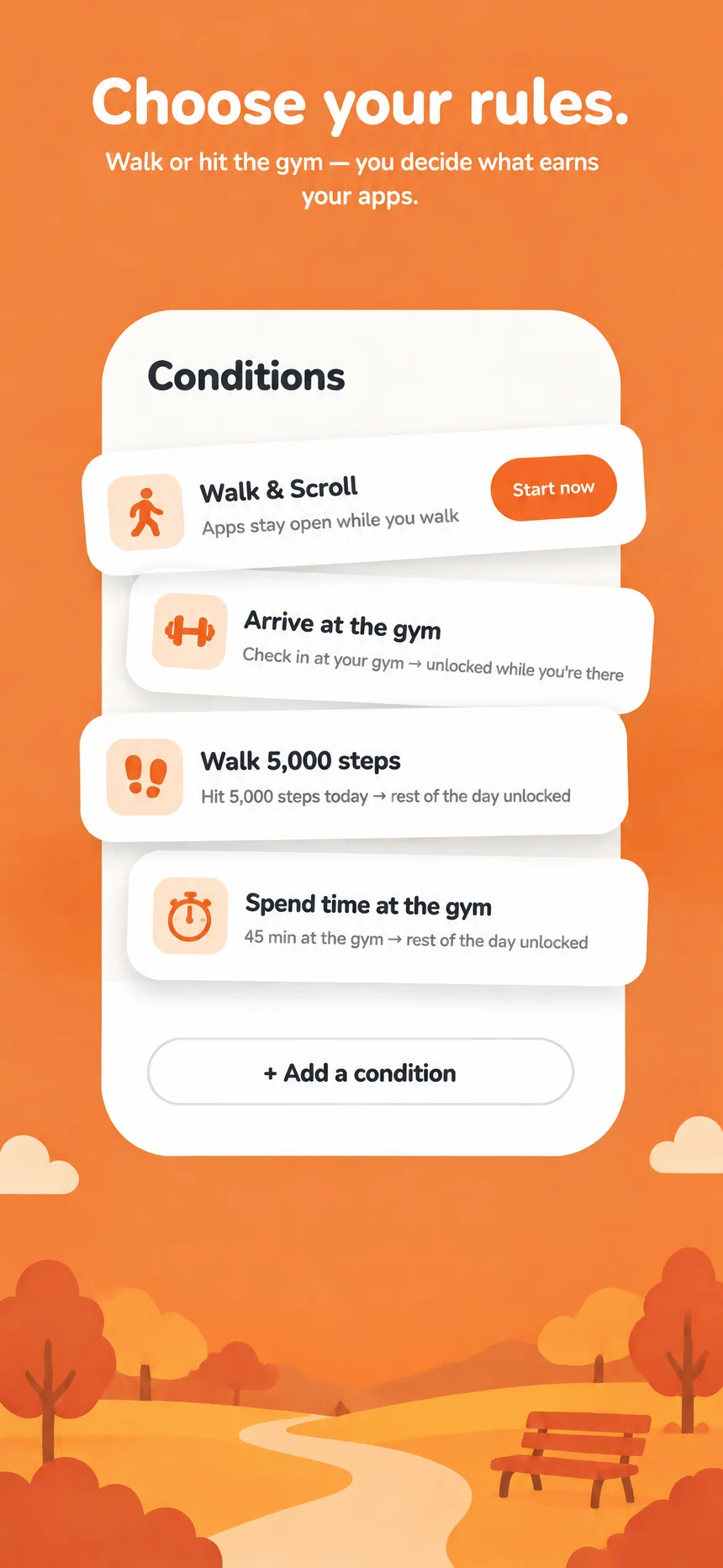
Prop up your phone and start walking. ExcerLock checks that you're really moving, then your apps unlock while you walk.
Stop walking, and the lock comes back.
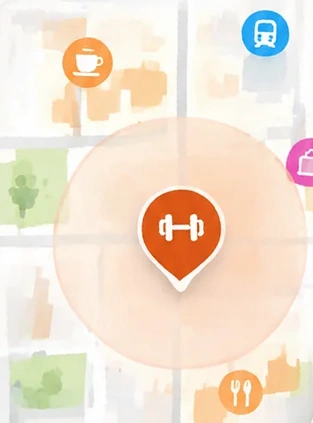
Save your gym once. Check in when you get there and your apps open. Skip the gym, and they stay shut.
A daily step goal or time at the gym counts too.
Why people stick with it
When scrolling costs movement, you start moving a lot more.
Your feed only works while you're walking. Suddenly a 20-minute walk sounds great.
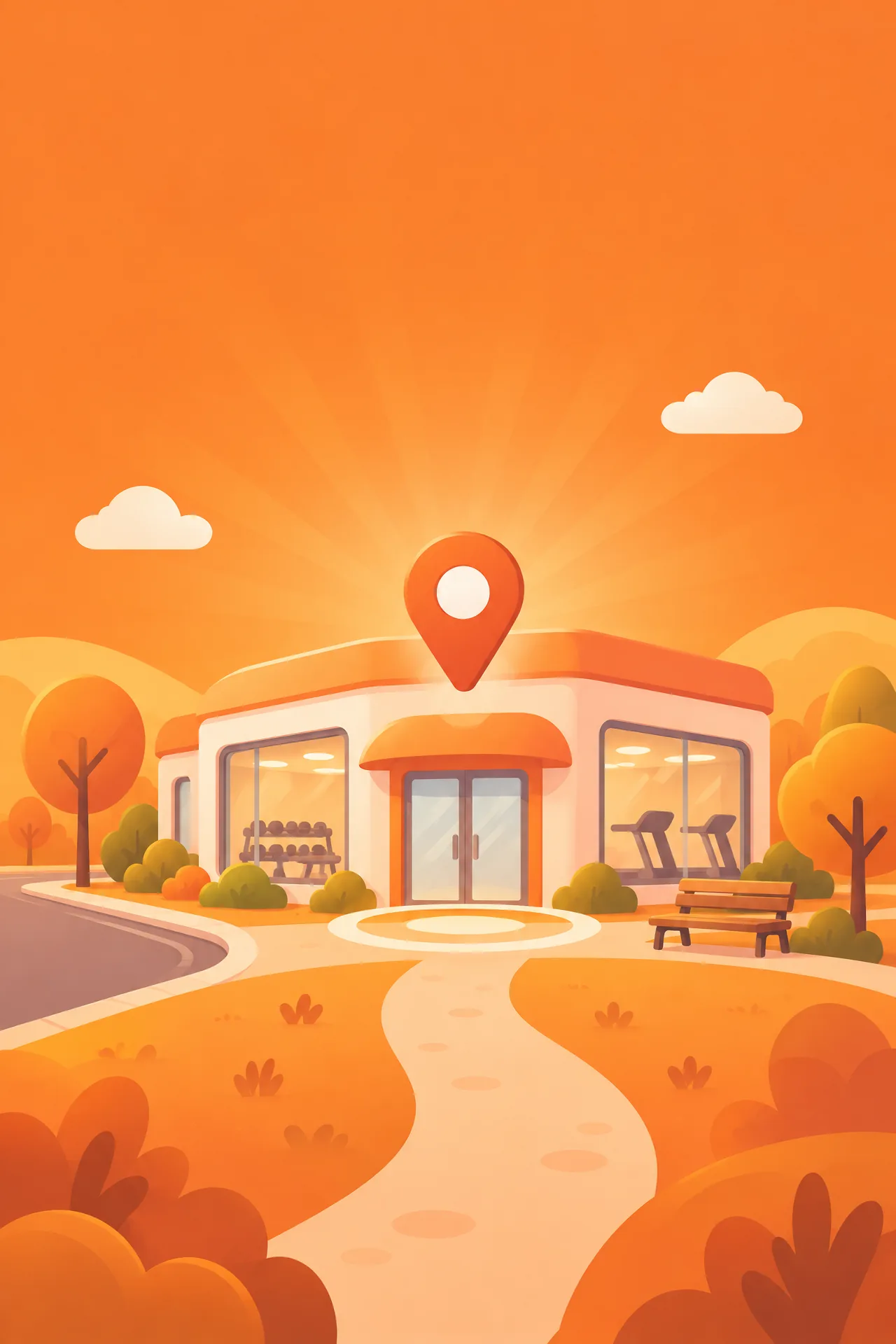
Make your gym the place your apps open. Showing up stops being a debate.
Set a daily step goal. Hit it, and your apps open. Miss it, and they wait for you.
No more "I'll go tomorrow." The gym visit is the price of your phone, so you pay it.
Losing fat is mostly showing up on the days you don't feel like it. ExcerLock makes the walk and the gym session non-negotiable, so the streak survives.
ExcerLock is a habit tool, not a medical or weight-loss program.
Miss one day and the next is harder. ExcerLock keeps the chain going, day after day, without a pep talk.
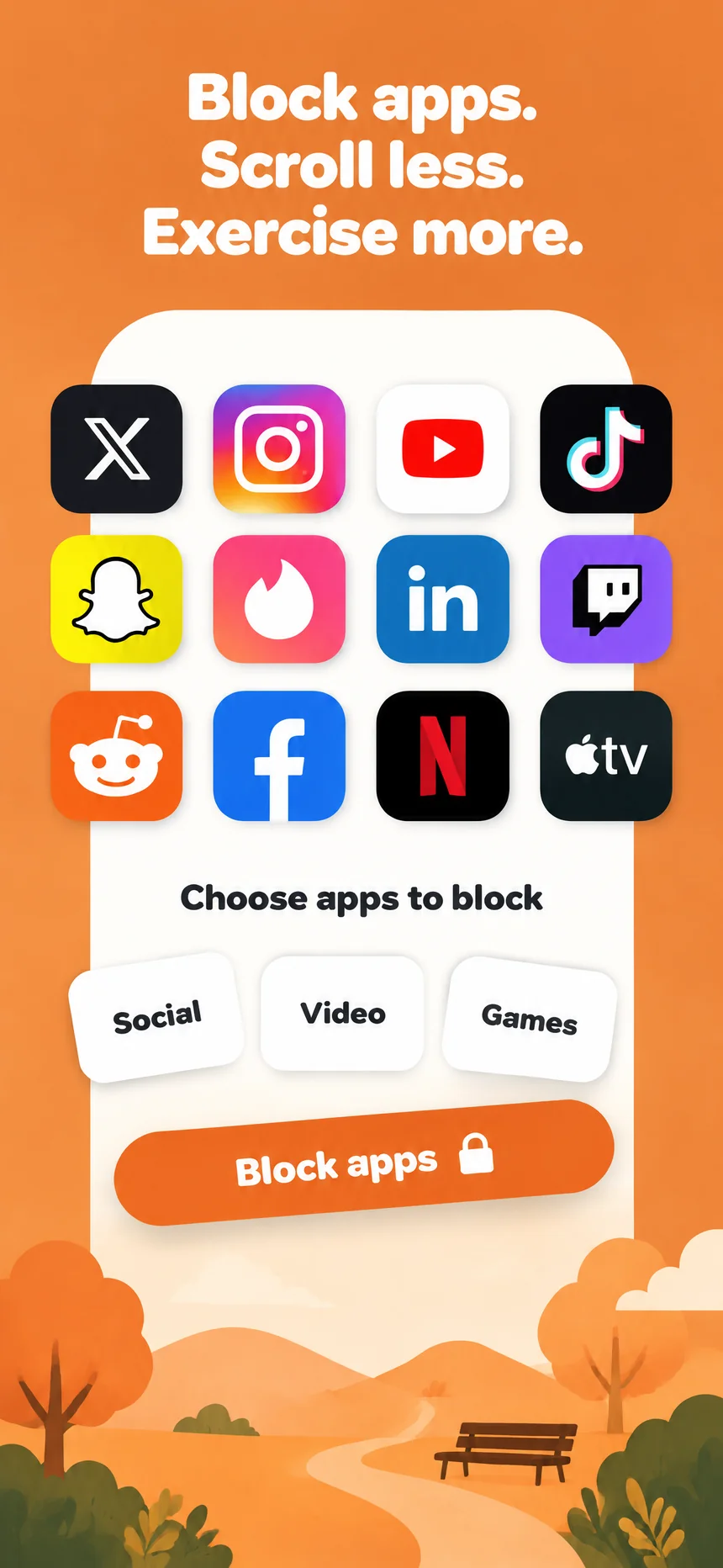
Block
Pick single apps or whole categories. Social, video, games. The lock is Apple's own Screen Time shield, not a hack.
Choose your rules
Set the days and hours too. Weekdays only, evenings only, all day. Your call.
What changes
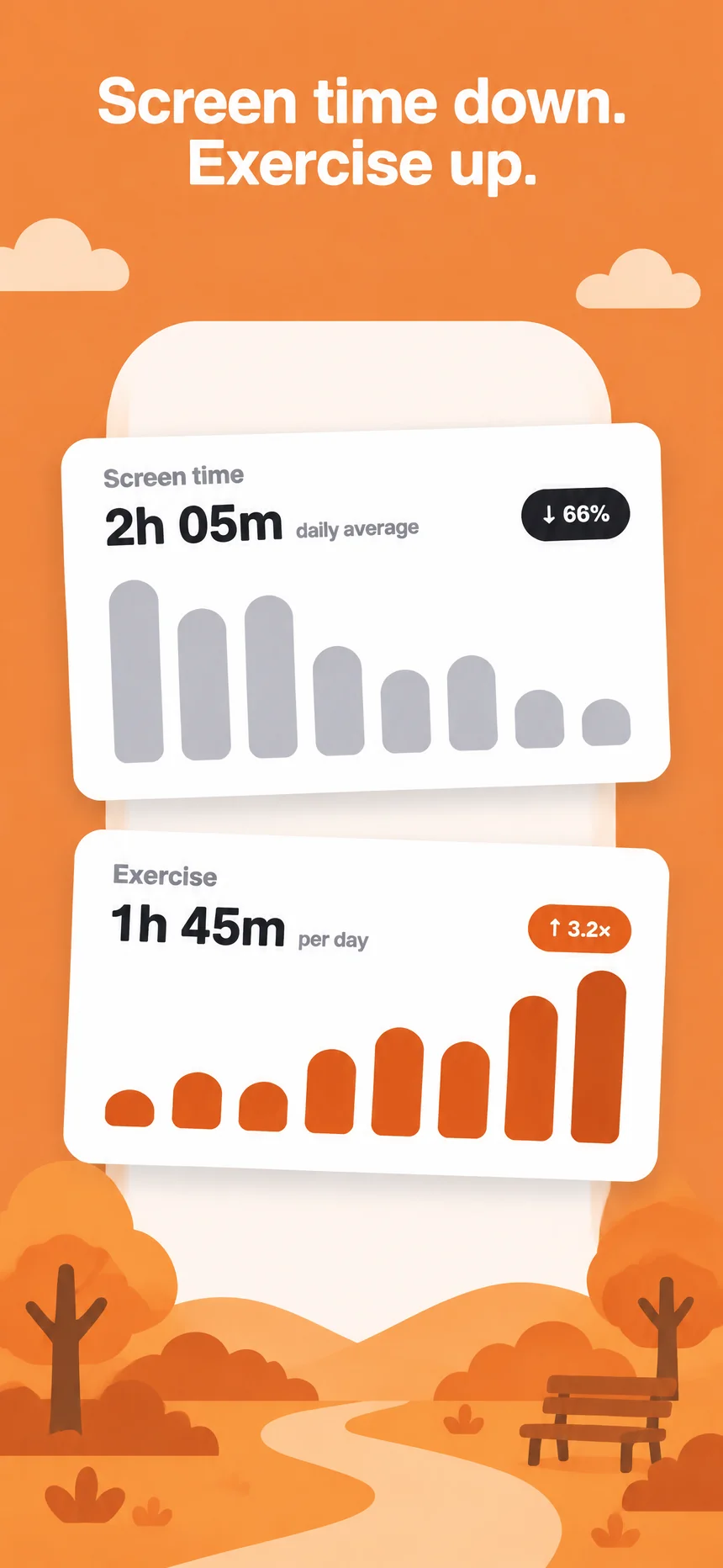
Screen time
2h 05mdaily average↓ 66%
Exercise
1h 45mper day↑ 3.2×
Illustrative example, not measured results. Your numbers depend on the rules you set.
Under the hood
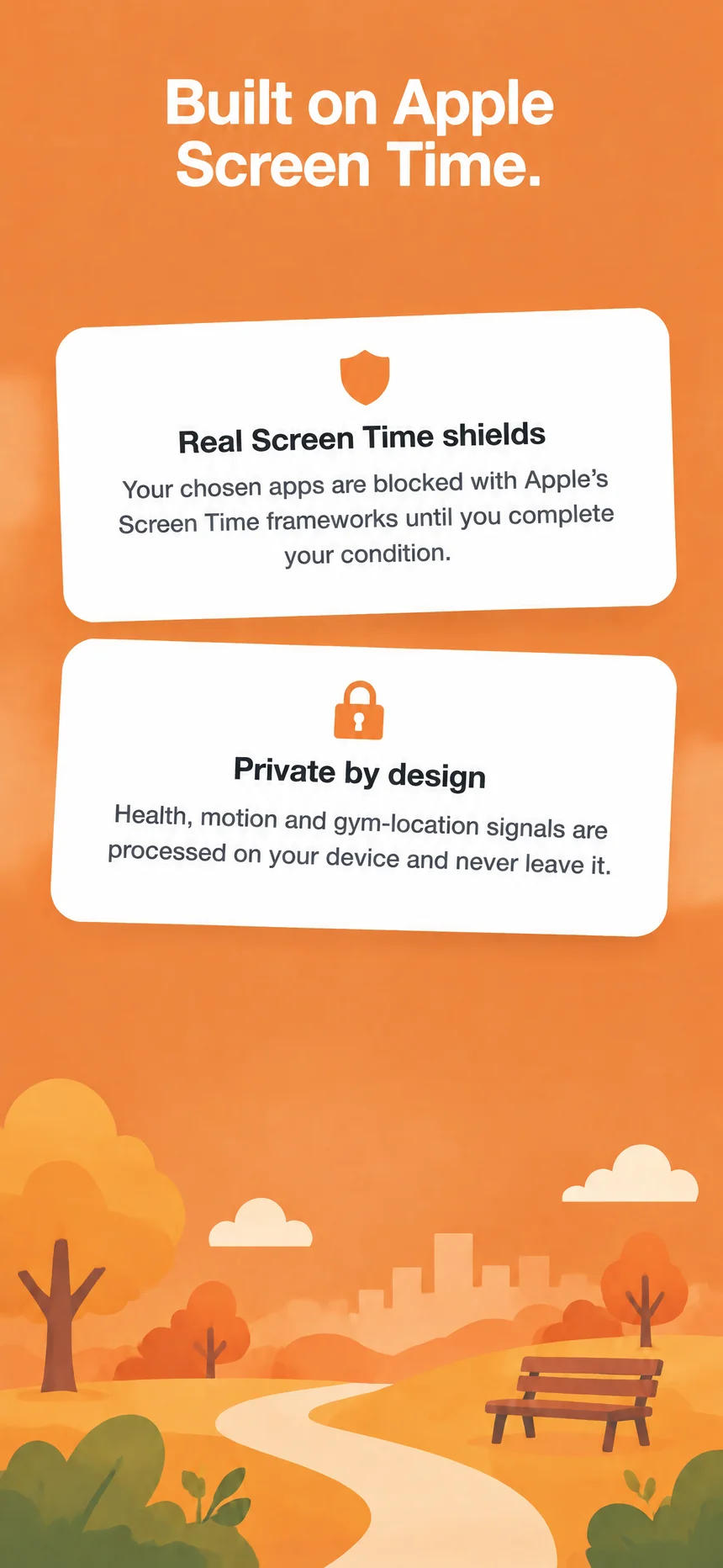
Your chosen apps are blocked with Apple's Screen Time frameworks until you complete your condition.
Health, motion and gym-location signals are processed on your device and never leave it.
On the App Store